fragRoger · Workshop with Roger Basler de Roca

AI in the parish office

This page is for quick reference after the workshop. Every prompt is ready to use here, each with a button to copy it. You paste it into ChatGPT or Perplexity and adjust the details in square brackets.

No course, no sign-up, no account. Use the search field above to find a prompt in seconds.

To get started

What is this all about?

Before we get to the prompts: three short explanations, without technical jargon.

What is artificial intelligence?

Artificial intelligence, or AI for short, is a computer program that has learned from enormous amounts of text which words usually follow one another. From this, it writes new sentences. It does not think, believe or know anything in the human sense — it calculates very well what fits next.

That is why the texts are often surprisingly good, and yet sometimes wrong. You remain the person responsible for the result.

What is a chatbot?

A chatbot is the interface for this: a window like on WhatsApp. You type in an instruction, called a prompt, and get a reply. You can ask follow-up questions, correct and refine it, until the result fits.

Within one conversation, the chatbot remembers what was said. A new conversation starts again from scratch.

ChatGPT or Perplexity?

ChatGPT is the writer. It turns your keywords into texts, creates images and summarises content. It mainly draws on what it has learned and usually does not name a source.

Perplexity is the researcher. It searches the web first, then answers, and shows the link each statement comes from. In exchange, it writes less elegantly and does not create images.

In short: write with ChatGPT, source with Perplexity, verify with Crapcheck.ai.

First things first

Data protection in one sentence

Is it about a specific, named person? Then don't enter it. Is it about a general pattern, without names or details? Then there's no problem.

Always fine

  • Writing an invitation text for an event
  • Getting image ideas for the parish bulletin cover
  • A general question about how to phrase a letter

Only anonymised

  • A reply to a complaint, without name and address
  • Polishing minutes, having replaced names with A, B, C beforehand
  • A template letter for a delicate situation, without a specific case

Never enter

  • Baptism, wedding or death dates of a specific person
  • Pastoral conversations and notes about them
  • Address lists, phone numbers, member data

Section 1

Writing texts

You provide the keywords, the AI turns them into a text. Always read the result through carefully before sending it.

ChatGPT

Turning keywords into an invitation

You supply the keywords, the AI does the writing. Nothing is invented that you haven't provided.

Turn these keywords into a friendly invitation: [keywords]. Tone: warm, clear, not too formal. Plain, natural English.

ChatGPT

Polishing minutes

For notes that are correct in content but still rough in wording. Remove names beforehand.

Here are my notes from a meeting: [notes]. Turn them into clean minutes with agenda items, decisions and open points. Factual, plain English, no embellishments.

ChatGPT

Adjusting the tone of a text

Useful when a text is fine in content but sounds too strict or too casual.

Rewrite this text without changing its content: [text]. Tone: friendly and respectful, short sentences, no sales language. Plain English.

Section 2

Generating images

The first result is rarely the best one. Expect two to three rounds of tweaks — that's normal and quick.

ChatGPT

An illustration for an event

The more specific the details, the more usable the image.

Create a warm, welcoming illustration for [event, e.g. harvest festival]: [2-3 concrete details, e.g. laid table, candles, autumn leaves]. Calm, dignified style, not kitschy.

ChatGPT

Refining an image

The first result is rarely the best. Simply say what should be different.

Same image, but: [change, e.g. fewer people, brighter colours, more space at the top for text]. Keep everything else the same.

Section 3

Three everyday situations

Here text, image and research work together. This is exactly how it happens in the office.

ChatGPT

A flyer for an event

First the text, then a matching image. Two steps, one result.

I'm planning a flyer for [event] on [date] in [place]. Write me a short invitation text (max. 60 words) and then suggest a matching image idea. Plain English, warm and clear.

ChatGPT

Dictating instead of typing

Tap the microphone icon, speak freely, then give this instruction.

Listen to my voice message and turn it into a print-ready email to [recipients]. Tone: grateful, clear, not promotional.

Perplexity

Checking facts with a source

Always useful when the information must be correct: figures, dates, regulations.

What is currently the rule in [diocese / regional church] regarding [topic]? Please include the source.

Section 4

Overview of the tools

That's all you need: ChatGPT writes, Perplexity sources, Crapcheck checks. All links open the respective tool directly.

ChatGPT

Writes texts, creates images, understands dictation. For invitations, newsletters, minutes and illustrations.

Caution: ChatGPT can invent details that sound plausible. Don't rely on it for facts.

Open chatgpt.com

Perplexity

Searches the web and shows the source directly. For diocesan information, figures, dates — anything that must be correct.

Rule of thumb: write with ChatGPT, verify with Perplexity.

Open perplexity.ai

Crapcheck.ai

Checks a statement, a passage of text or a link for soundness and shows how solid the sources are.

Ideal for anything that comes from an AI and later ends up in the parish bulletin or newsletter.

Open crapcheck.ai

Other useful links

  • DeepL Translations, for example for services in other languages.
  • Canva Design flyers and posters, using the images from ChatGPT.
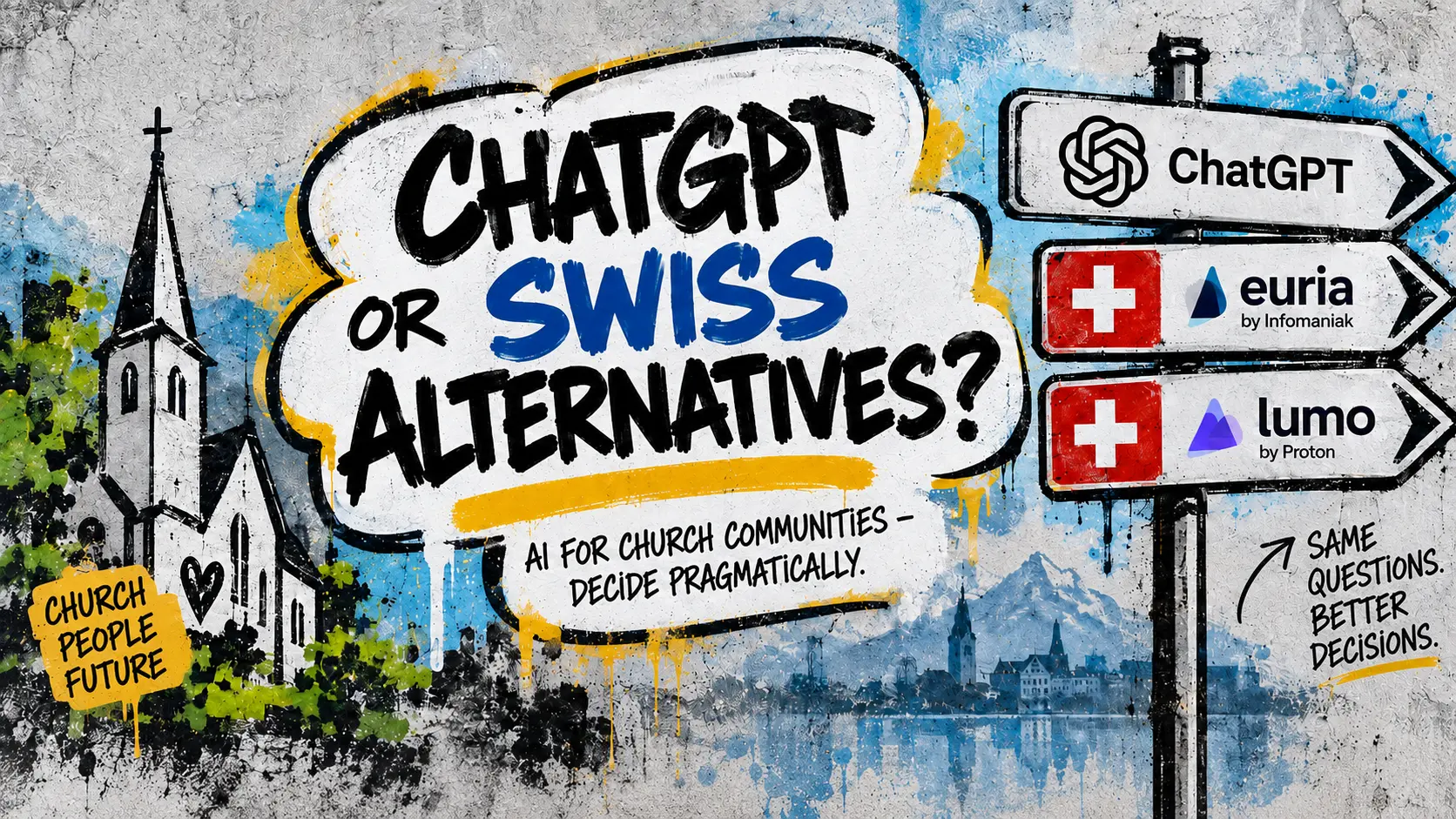
  • 🇨🇭 Euria (Infomaniak) An AI chat from Switzerland, data stays with Infomaniak.
  • 🇨🇭 Lumo (Proton) Swiss AI chat by Proton, with a focus on privacy.
  • 🎵 Bonus: Suno Turns a text into a song — for example a tune for an anniversary or a song for the children's service. Always label it as AI-generated music.
  • ki-power.me Articles and courses about AI in everyday work.

Licences

Licences and nonprofit discounts

Free and paid versions — and what nonprofit organisations pay.

Free and paid versions

The free versions are enough for everyday parish office work. Paid versions are faster, allow more images and longer documents.

Try the free version first and only pay once the limits genuinely get in your way.

See ChatGPT pricing

OpenAI for Nonprofits

OpenAI offers ChatGPT Team at a reduced price for nonprofit organisations, and in some regions discounted ChatGPT Enterprise as well. Eligibility is confirmed through a verification service.

Depending on their legal form, parishes may qualify as nonprofit organisations — eligibility is checked during sign-up.

Open OpenAI for Nonprofits

Important: a paid licence does not change the privacy rules. Never enter personal data from registers, pastoral care or accounting.

Important

Checking facts

AI answers sound confident, even when they are wrong. So briefly check everything you publish or send out. Three minutes is usually enough.

  1. 1. Isolate the claim

    Mark every specific detail in the AI text: date, time, name, figure, quote, statement of church law. These are exactly the spots at risk.

  2. 2. Cross-check with Crapcheck.ai

    Copy the statement or link into crapcheck.ai. You'll get an assessment of how solid the claim is and where the weak points are.

  3. 3. Look up the source in Perplexity

    Ask Perplexity about the detail and request the source. Actually open the link, rather than just reading the summary.

  4. 4. Cross-check with the official source

    For parish and diocesan information, in the end only the official website of the parish, diocese or municipality counts — or a phone call.

  5. 5. When in doubt, leave it out

    A detail you can't back up doesn't belong on the notice board. Better one line less than a correction later.

Fact-checking with Crapcheck.ai

Crapcheck.ai is our standard tool for a quick fact check: paste in the statement or link, run the check, read the assessment and reasoning. Don't enter any names or personal data from the office there — only the factual claim to be checked.

Check a statement on crapcheck.ai

Important

Declaring AI images: the EU AI Act and Switzerland

Since 2 August 2026, the transparency obligations of the EU AI Act (Article 50) apply in full. In short: anyone who creates or edits images, videos or audio using AI must disclose this. For the parish office, this mainly means: label AI images in the parish bulletin, on the website or on notices.

What the EU AI Act requires

  • Artificially generated or edited images, videos and audio must be labelled as such.
  • AI-generated texts that inform the public also need a notice if no one has taken responsibility for and reviewed their content.
  • Clearly recognisable illustrations, caricatures or obvious artwork are treated more leniently, but a note never hurts.
  • Providers of the tools must additionally embed technical markers. You don't need to worry about that part.

The legal situation in Switzerland

Switzerland has no AI-specific law of its own. What applies is the revised Federal Act on Data Protection (FADP), copyright law, personality rights, and for church bodies additionally the relevant church data protection rules. The Federal Council has opted for a sector-by-sector approach and has initiated ratification of the Council of Europe's AI Convention. There is no explicit declaration duty here today comparable to the EU AI Act.

Nevertheless, the EU AI Act can still affect you as soon as your content is accessible in the EU or aimed at people there, for example with a bilingual website or parishes near the border. And regardless of the law: whoever fails to disclose and gets caught loses trust.

How to declare correctly

  • Image caption: "Image: created with AI (ChatGPT)" or "AI-generated illustration".
  • For edited photos: "Photo: Parish of N., edited with AI".
  • Place the note where the image appears, not hidden away in the legal notice.
  • No AI images of real people, deceased persons or recognisable church interiors without consent.
  • When in doubt: use a real photo or keep the subject neutral.

Basics

Tips and tricks

These ten points apply equally to ChatGPT and Perplexity. Following them means far fewer attempts are needed.

  1. 1. Say who you are and who the text is for

    A prompt improves instantly if it states the role and the audience: "You are the secretary of a parish. Write for older parishioners." The AI then gets the tone and word choice much more accurately.

  2. 2. Always specify length, tone and format

    "Around 120 words, friendly, with a title and three paragraphs." Without such details, you often get texts that are too long and too sales-like.

  3. 3. An example works better than any explanation

    Paste in an earlier invitation from your parish and write: "Write in the same style, but for this topic." The result will then sound like your parish, not an advertising agency.

  4. 4. Refine rather than start over

    Simply reply in the same chat: "Shorter." "Less flowery." "The date is wrong, it's 14 November." The AI remembers the course of the conversation.

  5. 5. One topic per chat

    One chat for the parish newsletter, another for confirmation. This way details don't get mixed up and you can find old results more easily.

  6. 6. Placeholders instead of real names

    Work with [name], [date], [place] and insert the real details by hand only at the end, in Word. That way no personal data leaves the office.

  7. 7. Dictate instead of typing

    In the ChatGPT app you can use the microphone and simply talk through what should go in the text. For many people this is faster and feels more natural.

  8. 8. Use Perplexity for anything that must be correct

    Figures, deadlines, addresses, diocesan regulations: ask Perplexity here and click through to the source shown. Only use the detail once the source is credible.

  9. 9. Ask for several versions

    "Give me three versions: a factual one, a warm one, a short one." Choosing is easier than writing it yourself.

  10. 10. The final check is always yours

    Always proofread names, dates, times and theological statements yourself. The AI is a writing aid, not the person responsible.

Reference

Terms explained briefly

So that technical terms don't get in the way.

Prompt
The instruction you give the AI. The more precise it is, the more usable the result.
Chat
An ongoing conversation with the AI. Everything said before is taken into account.
AI model
The program running in the background, for example GPT in ChatGPT. It predicts word by word what fits best.
Hallucination
A made-up detail that sounds convincing: a wrong date, a document that doesn't exist. That's why you should always check.
Source
The link Perplexity shows for each statement. Click it and take a quick look before you use the detail.
Placeholder
A field in square brackets like [date], which you later replace by hand.
Token
The small chunks of text your input is broken into. It only matters because very long texts eventually get cut off.
Context window
How much text the AI can keep in view at once in a chat. In very long chats, it forgets the beginning.
Image prompt
A description for an image: subject, mood, style, format. For example "calm watercolour illustration, portrait format".
Free and paid version
The free versions are enough for everyday office work. Paid versions are faster, allow more images and longer documents. More under Licences and nonprofit discounts.
Fact check
Verifying a statement against an independent source. Tools like Crapcheck.ai (crapcheck.ai) or Perplexity show whether a claim is backed up.

Finally

Frequently asked questions

Tap a question to reveal the answer. Only one answer is open at a time.

How do I check whether an AI answer is correct?

Isolate the specific claim and check it on Crapcheck.ai (crapcheck.ai). In addition, look up the source in Perplexity and cross-check it against the official website of the parish, diocese or municipality. Leave out anything you can't verify.

Do I need the paid version of ChatGPT?

Not for everyday office work. The free version writes texts and creates images. If you use it daily and often hit limits, the paid version can be worthwhile.

Am I allowed to enter the names of parishioners?

No. Names, addresses, dates of birth and death, details about baptism, marriage, illness or pastoral care do not belong in an AI tool. Work with placeholders and add the real details only in the finished document.

Can people tell a text was written with AI?

If you revise the text and add your own words, usually not. More important than that question: the content must be correct and fit your parish.

What do I do if the answer is wrong?

Tell the AI directly in the same chat: "The date is wrong, it's actually 14 November. Please correct the text." For factual questions, switch to Perplexity and check the source.

Who owns the texts and images?

You may use the results for your parish, including in the parish bulletin. Be cautious with images of real people, logos or artworks. When in doubt, choose a neutral subject.

Why do the images sometimes look odd?

Hands, writing and faces are difficult for image AI. Describe the subject more simply, avoid text within the image, and have two or three variants generated.

Can the AI write in a Swiss or British style?

Yes. Write in the prompt: "Plain British English, formal but friendly tone." That will then apply for the whole chat.

Do I have to explain everything again each time?

No. Within one chat, the context is retained. For a new chat, simply copy the matching prompt from this page.

Do I have to label AI images?

Yes, do it. Since 2 August 2026, the EU AI Act (Article 50) requires that AI-generated or AI-edited images, videos and audio be recognisable as such. A short caption like "Image: created with AI" is enough.

Does the EU AI Act also apply to our Swiss parish?

Switzerland has no AI-specific law of its own; the FADP, copyright law, personality rights and church data protection rules apply. The EU AI Act can still affect you if your content is aimed at or accessible to people in the EU. When in doubt, declare it.

What do I do if I'm stuck?

Send Roger Basler de Roca a short message via WhatsApp or email. Even weeks after the workshop.
Section 5

If a question remains open

Write to me. A short question via WhatsApp is explicitly welcome, even weeks after the workshop.

Ask a question via WhatsApp

Handout

The workshop handout as a PDF, to read on screen or print out.

Download handout as PDF

PDF, around 0.6 MB. More templates will be added here.

Contact

Roger Basler de Roca

Direct contact

Address

Roger Basler de Roca · fragRoger
The Circle 6
8058 Zürich-Flughafen, Schweiz

This page sets no tracking cookies and requires no sign-up. Prompts are working aids; always check content from AI tools yourself.

Legal noticePrivacy policy

The legal notice and privacy policy are only available in German.

fragRoger · Roger Basler de Roca

Bonus

A song from the workshop

🎵 To finish: this song was made with Suno, from a few keywords about the workshop. That is what AI music sounds like — and exactly how it has to be labelled.

Listen to the song on Suno

Try Suno: suno.com